
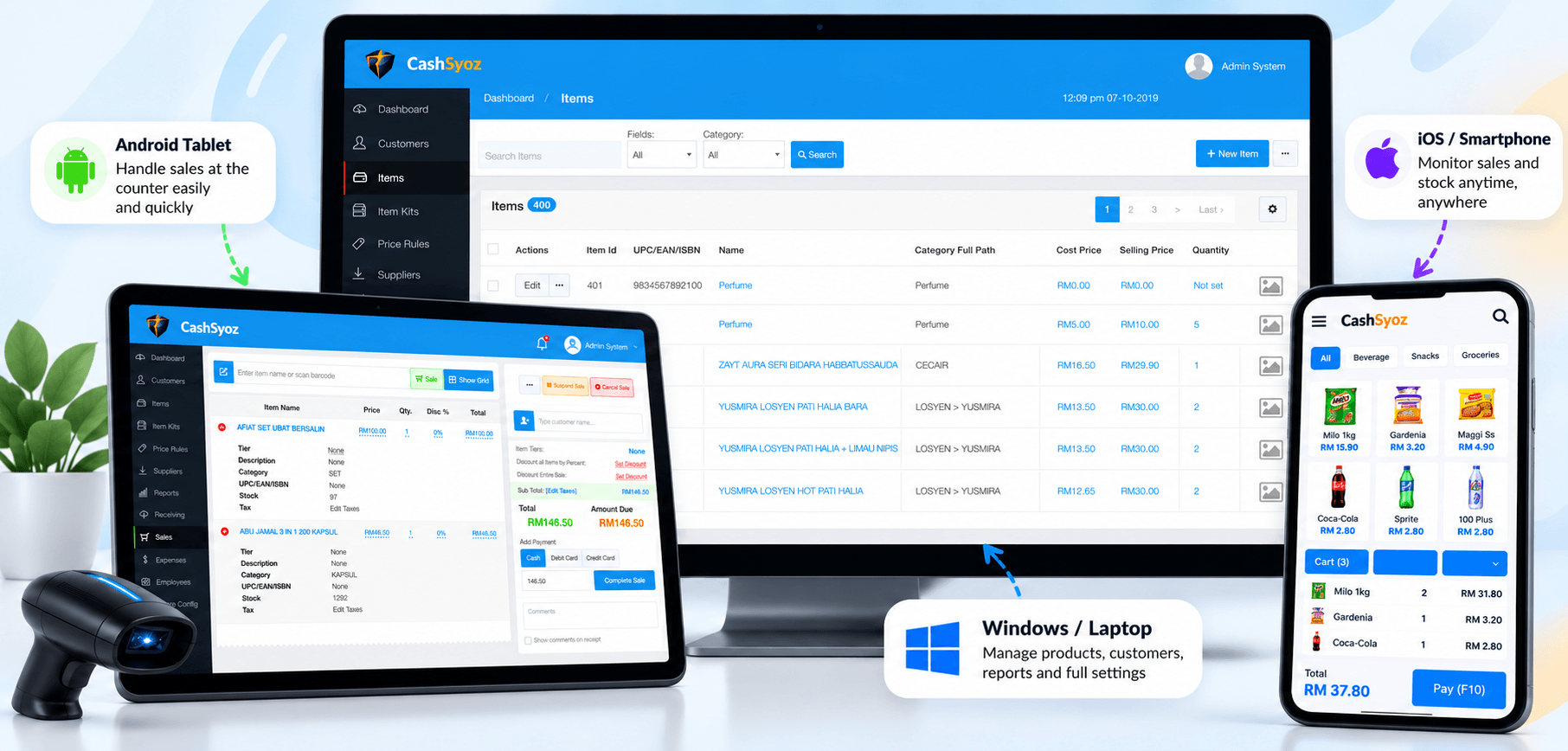
You know the routine: a customer asks for an item, you check the shelf, then the storeroom. Nothing. Somehow, the record still says there are several pieces left.
For a small shop, stock mistakes can mean a missed sale today or money tied up in products nobody is buying. And when stock is written in a notebook, updated in a spreadsheet and sold through a separate system, keeping everything in sync becomes another job on an already busy day.
That’s where stock management software in Malaysia can help. Not because software magically fixes everything, but because it gives you one clearer place to check what came in, what went out and what needs attention.
The real problem isn’t always the stock
Often, the problem is that the information arrives too late. A fast-selling drink runs out before the next delivery. A slow-moving product gets reordered because nobody noticed the old stock. Or two staff members update different records and end up with two different answers.
A stock management system helps organise product quantities and stock movement. Depending on the software, it may also handle deliveries, low-stock alerts, supplier records and reports. The useful part is being able to see what’s happening before it becomes a problem.
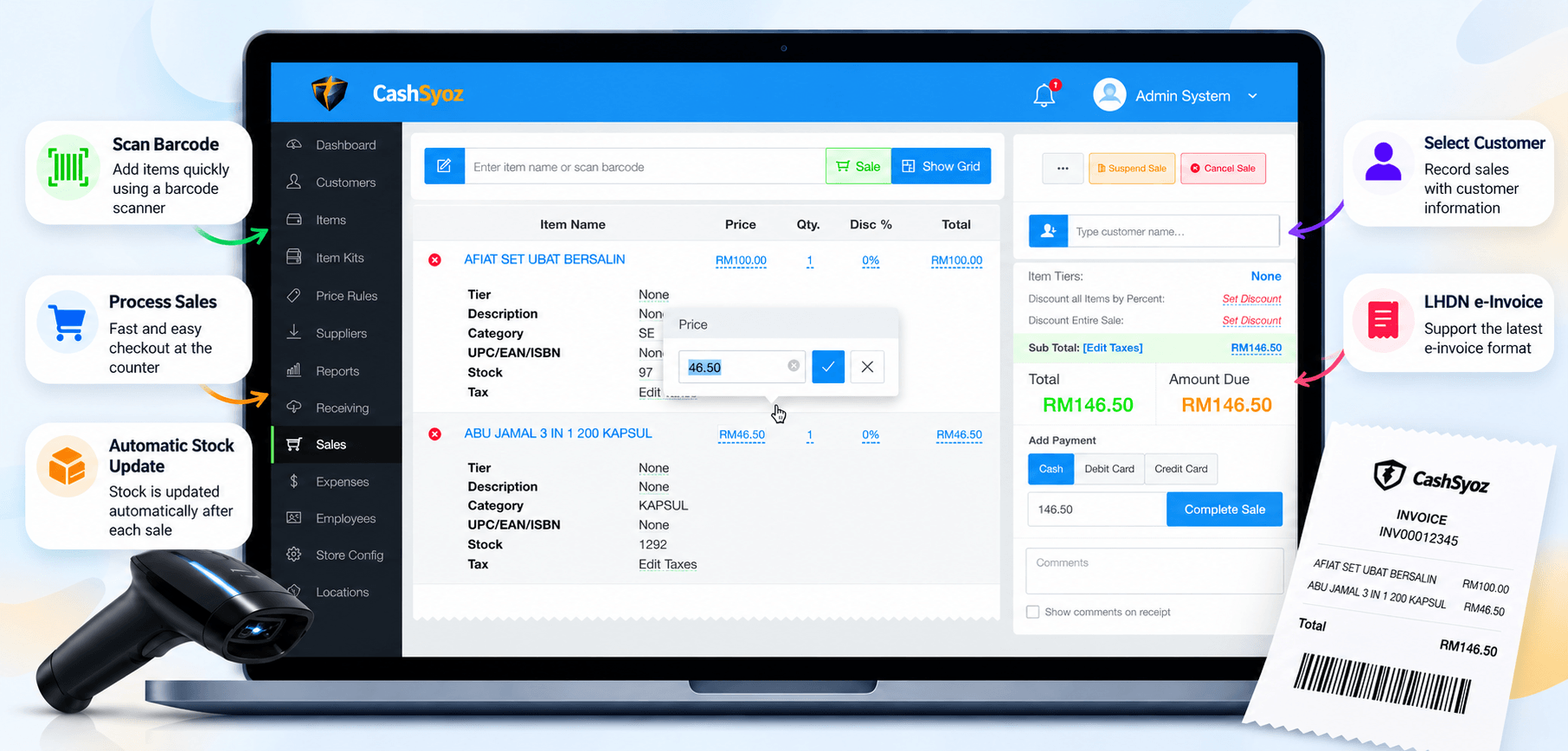
A connected sales and stock workflow can reduce repeated manual updates.
Three things worth looking for
You don’t need every feature under the sun. Start with the everyday tasks that take up your time.
If your shop handles lots of products, barcode scanning can also speed up receiving and checkout. If you have several outlets, check that the software can show stock by branch. Pay for the features your team will actually use.
Do you need inventory software or a POS?
It depends on how you sell. If your main challenge is managing warehouse locations, purchase orders or complex stock transfers, a dedicated inventory system may be the better fit.
But if you run a minimart, convenience store or retail shop, it may be simpler to use a POS system with stock management. Sales and inventory can work together, so staff don’t have to enter the same information in two places — provided the system supports that workflow.
Before choosing, ask for a demo using products similar to yours. Try recording a sale, receiving new stock and correcting a damaged item. It’s a much better test than choosing based on a long feature list.
Before you choose a system
Keep these questions handy
- Can I check stock quickly without digging through several screens?
- Does a sale update stock automatically, and how are returns handled?
- Are barcode scanning, reports and extra outlets included in the price?
- Can my staff learn the daily tasks without a complicated process?
- What will setup, hardware, training and support cost altogether?
There isn’t one price that suits every business. Compare the full cost — subscription, setup, devices and support — against the time you spend fixing stock records now. Start with accurate product details and opening quantities, then agree on who can change stock and how those changes should be recorded.
A few quick answers
What is stock management software?
It helps businesses record product quantities, track stock movement and decide when to replenish items. Features vary by provider.
Can stock update automatically after a sale?
Some systems can reduce inventory when a sale is completed. Confirm how the software handles returns, cancelled sales and stock adjustments.
Is stock management software suitable for a small shop?
It can be useful when manual records take too much time or stock errors happen regularly. Choose a system that fits your actual workflow instead of paying for features you don’t need.
Should I choose a POS with inventory management?
If you sell directly to customers, connecting checkout and stock records may simplify daily work. Businesses with more complex warehouse needs may require additional inventory functions.
Make stock one less thing to worry about
The right stock management software should make everyday decisions easier: what’s available, what’s running low and what deserves another order. Start with the problem that annoys you most, then choose a system that solves it without adding unnecessary steps.
Want to connect sales with stock?
Explore CashSyoz and check whether its POS and stock-related features fit the way your shop works. Ask for a walkthrough and confirm the functions you need.
Explore CashSyoz POS ↗